
QR accountability for shared fleets
Where is it?Who used it?How much?
One connected workflow: employees scan the vehicle to record its location, driver, and mileage. The office gets the current answer without calling site after site.
Recorded location
Employee custody
Trip mileage

Stop calling.
Stop driving.
Check one record.
When vehicle information is wrong, the office starts calling locations. If nobody has the answer, someone drives out to look. The cost is not just time-it is interrupted work across multiple sites.
FleetCustody lets the employee update the record during checkout and return, so the office can see where the vehicle was recorded, who used it, and how many miles were added.
Experience the QR workflowThe vehicle
updates the
office view.
The permanent QR starts the workflow. The employee records the handoff. The office gets the answer.
Start with the correct vehicle.
Each permanent QR mirror hanger opens that vehicle's current record in the iPhone app or secure web fallback.
2024 Ford F-150
WHEREWest Plant Yard
GPS ±12 mWHOJamie Carter
ID 04718MILEAGE48,872 mi
ODOMETERCapture the handoff once.
The employee records identity, mileage, location, and a one-time phone GPS stamp when permission is available.
WHEREWest Plant Yard
WHOJamie Carter
HOW MUCH46 miles
Give the office a current answer.
The dashboard updates the vehicle's location, custody status, employee, odometer, and completed trip mileage.
Basics that remove the chase.
FleetCustody stays focused on the practical questions the office needs answered before anyone starts calling or traveling.
Recorded location
See the yard, facility, jobsite, or other location recorded at every checkout and return-with a one-time phone GPS stamp when permission is available.
Employee custody
Know who checked the vehicle out, when custody started, and who completed the return.
Trip mileage
Calculate how much the vehicle was used from the checkout and return odometer readings.
Current availability
Give the office one view of what is available, checked out, in transfer, or out of service.
Searchable history
Keep the person, vehicle, location, time, GPS stamp, mileage, and reported issues in one custody trail.
Fleet and QR administration
Import the existing fleet, filter the records, and create permanent QR mirror hangers in practical batches.
Answer the question before making the call.
Searchable vehicle and custody records let the office confirm the last recorded location, current custodian, and mileage history in seconds.
- ✓ Filter by location, owner, fleet group, status, and employee
- ✓ Review GPS stamps and employee-submitted vehicle records
- ✓ Print simple where, who, and mileage reports
Simple for the employee. Useful for the office.
The iPhone experience and the administrative dashboard use the same custody record, so nothing needs to be re-entered or reconciled later.
Record the vehicle while standing beside it.
- Permanent vehicle QR hanger
- Checkout and return
- Employee identity and mileage
- Recorded location and one-time GPS stamp
- Issue category, description, and photo
- Vehicle files submitted for admin approval
See the current answer without chasing it.
- Current vehicle status and location
- Searchable custody history
- Location, owner, fleet group, and employee filters
- Printable where, who, and mileage reports
- Approved service, damage, and registration files
- QR label selection and batch printing
The public demo uses fictitious records. Production customer data remains isolated in the secure application.
One platform.
Three levels of visibility.
Start with the three answers every pool fleet needs. Add live vehicle data or camera intelligence only where the operation benefits from it.
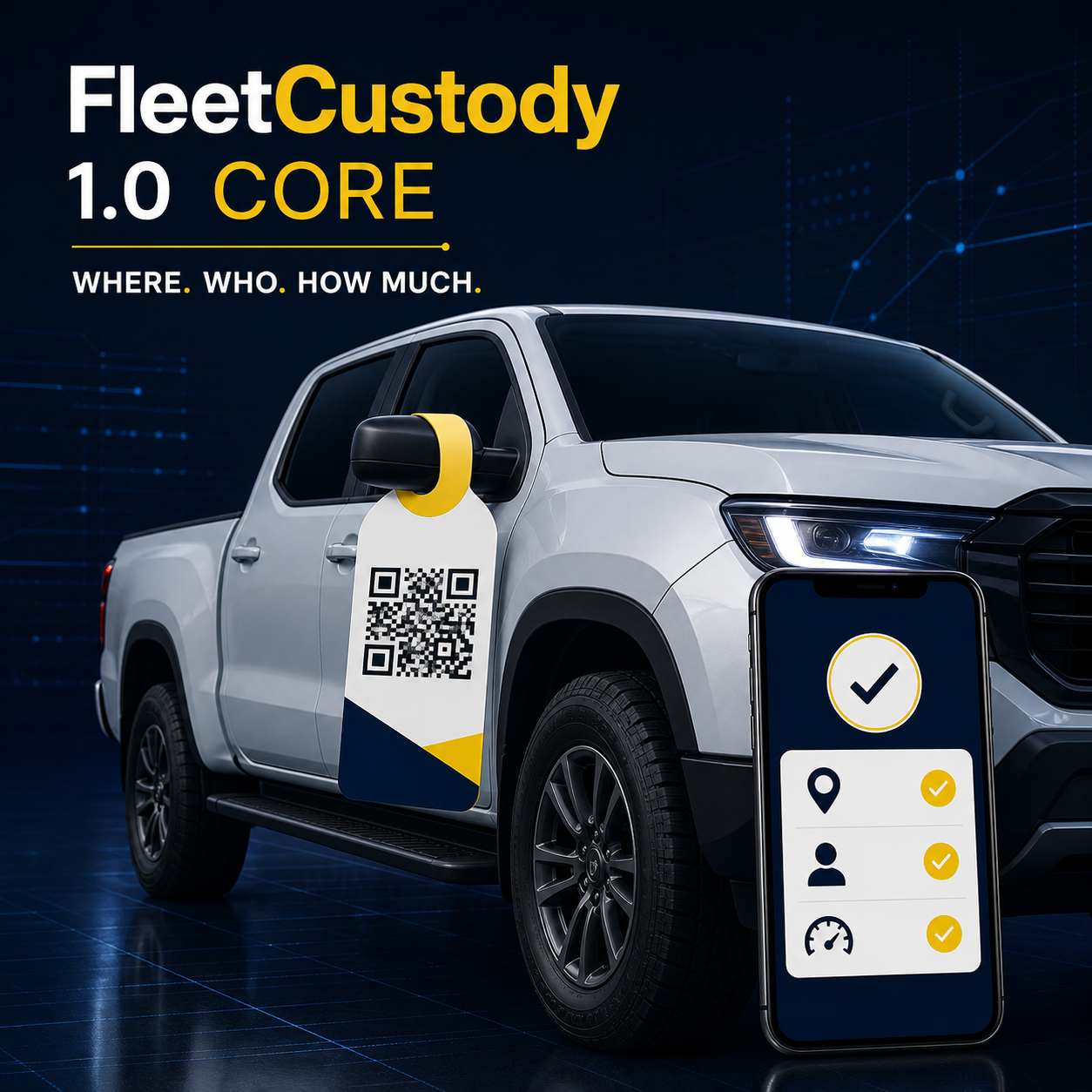 Available now
1.0
Core
Where. Who. How much.QR-based vehicle custody, handoff location, mileage, condition, and reporting—without installed vehicle hardware.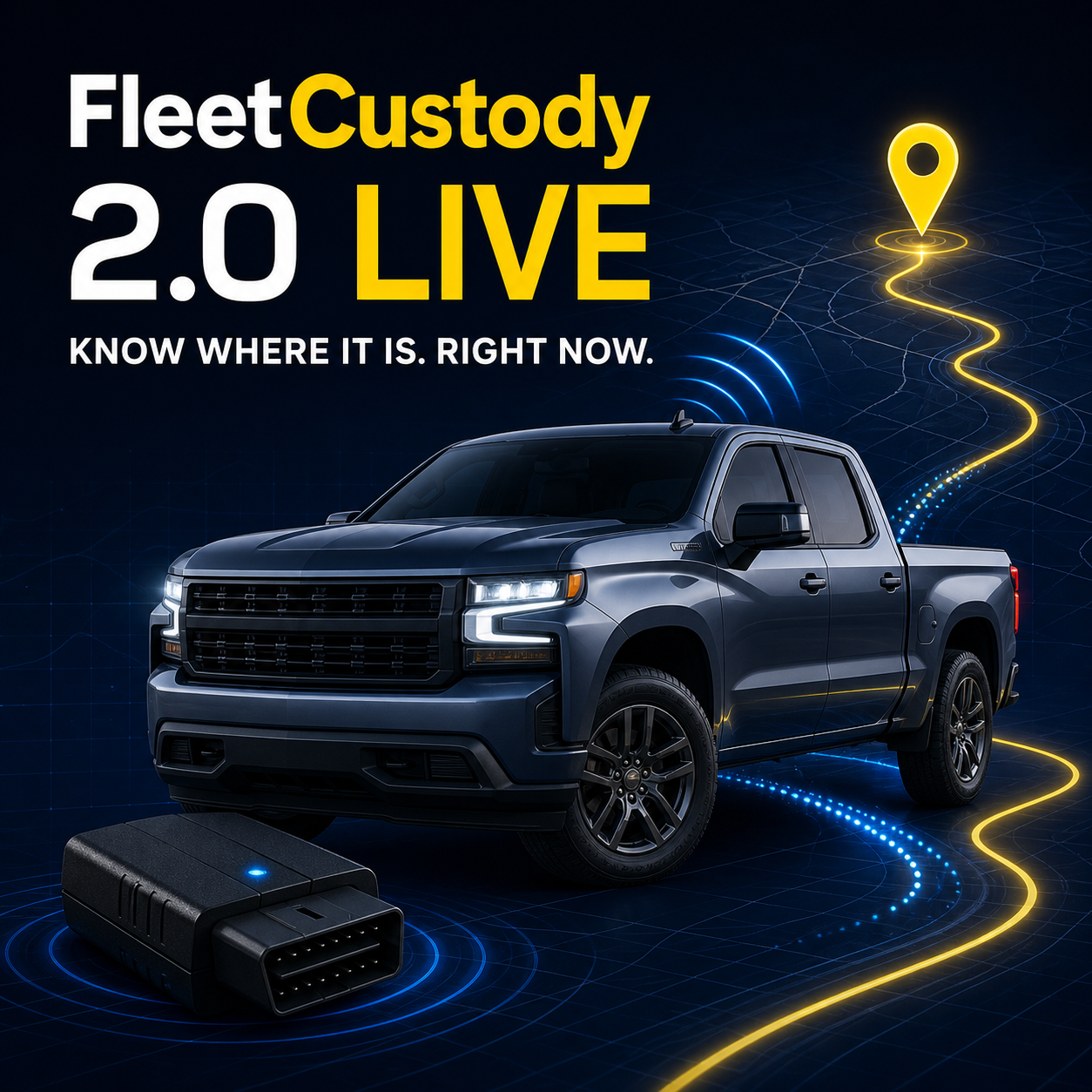 Interactive demo available
2.0
Live
Know where it is. Right now.Everything in Core, plus plug-in GPS and OBD-II telematics for continuous location, trips, geofences, and vehicle health.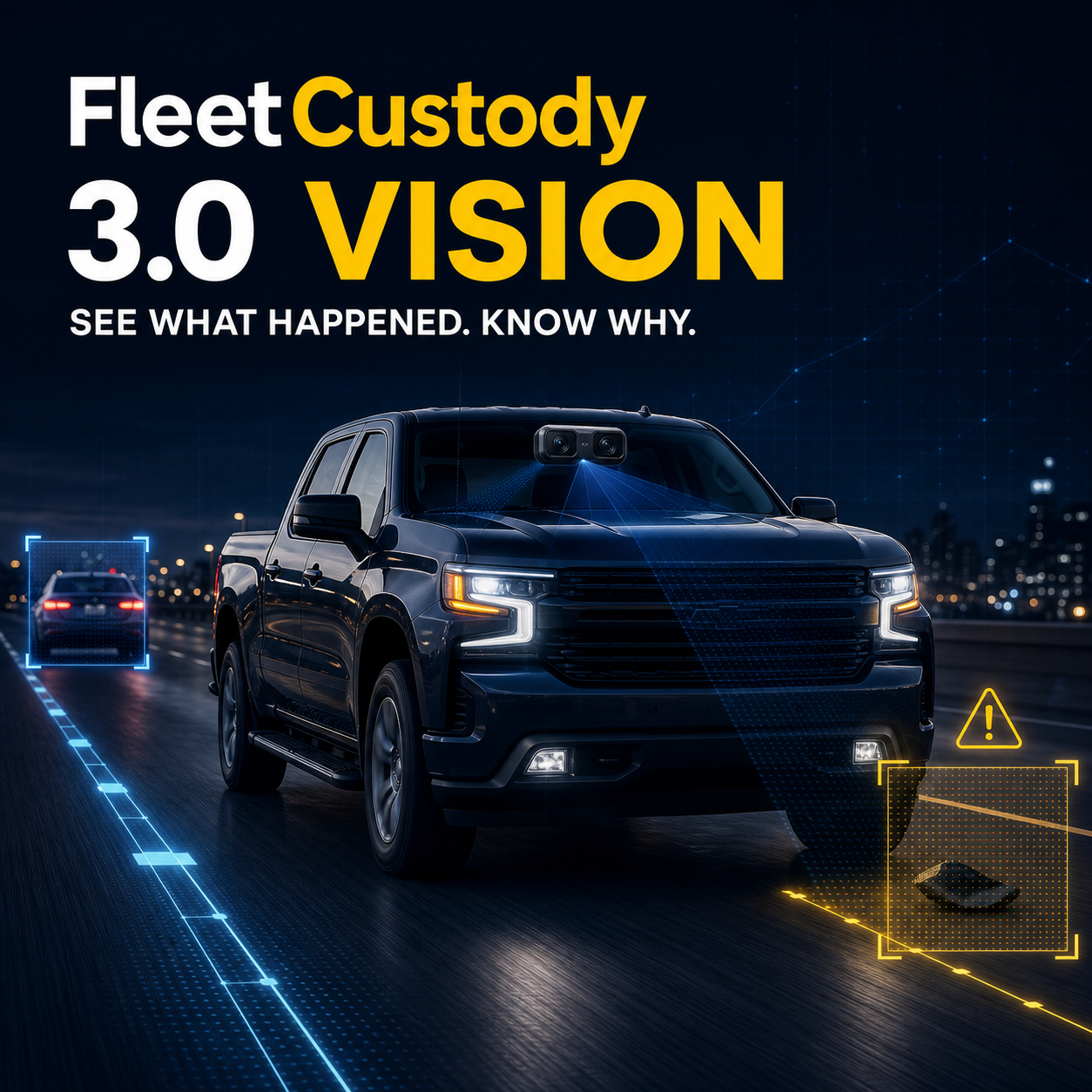 Future roadmap
3.0
Vision
See what happened. Know why.Planned for the future: everything in Live, plus event-based fleet video and AI-assisted safety context connected to each vehicle, driver, trip, and location.Focused on custody, location, and use.
What problem does FleetCustody solve?+
It replaces calls between sites, stale spreadsheet guesses, and unnecessary verification trips with one current custody record for each shared vehicle.
Do employees use an app?+
For normal operations, employees use the FleetCustody iPhone app to scan, check out, and return vehicles. Permanent QR links also retain a secure web fallback.
Does FleetCustody track vehicles continuously?+
FleetCustody 1.0 Core records a one-time phone GPS stamp at each handoff. FleetCustody 2.0 Live adds continuous GPS and supported OBD-II telematics, while 3.0 Vision adds event-based camera intelligence.
What if location permission is unavailable?+
The handoff can still record a selected yard, facility, jobsite, or Other Location. The custody record shows whether a phone GPS stamp was captured.
Will it work with our existing vehicles?+
Yes. FleetCustody is designed for mixed pool fleets. Each imported vehicle receives a permanent QR identity linked to its unique record.
How long does rollout take?+
Rollout starts with the current fleet list, QR hanger printing, location setup, administrator access, and a short employee workflow review. No wired vehicle hardware is required.
Replace the phone chain with one current record.
Try the QR custody demo or the connected live-fleet demo, then tell us how many shared vehicles you manage, where they operate, or what support you need.